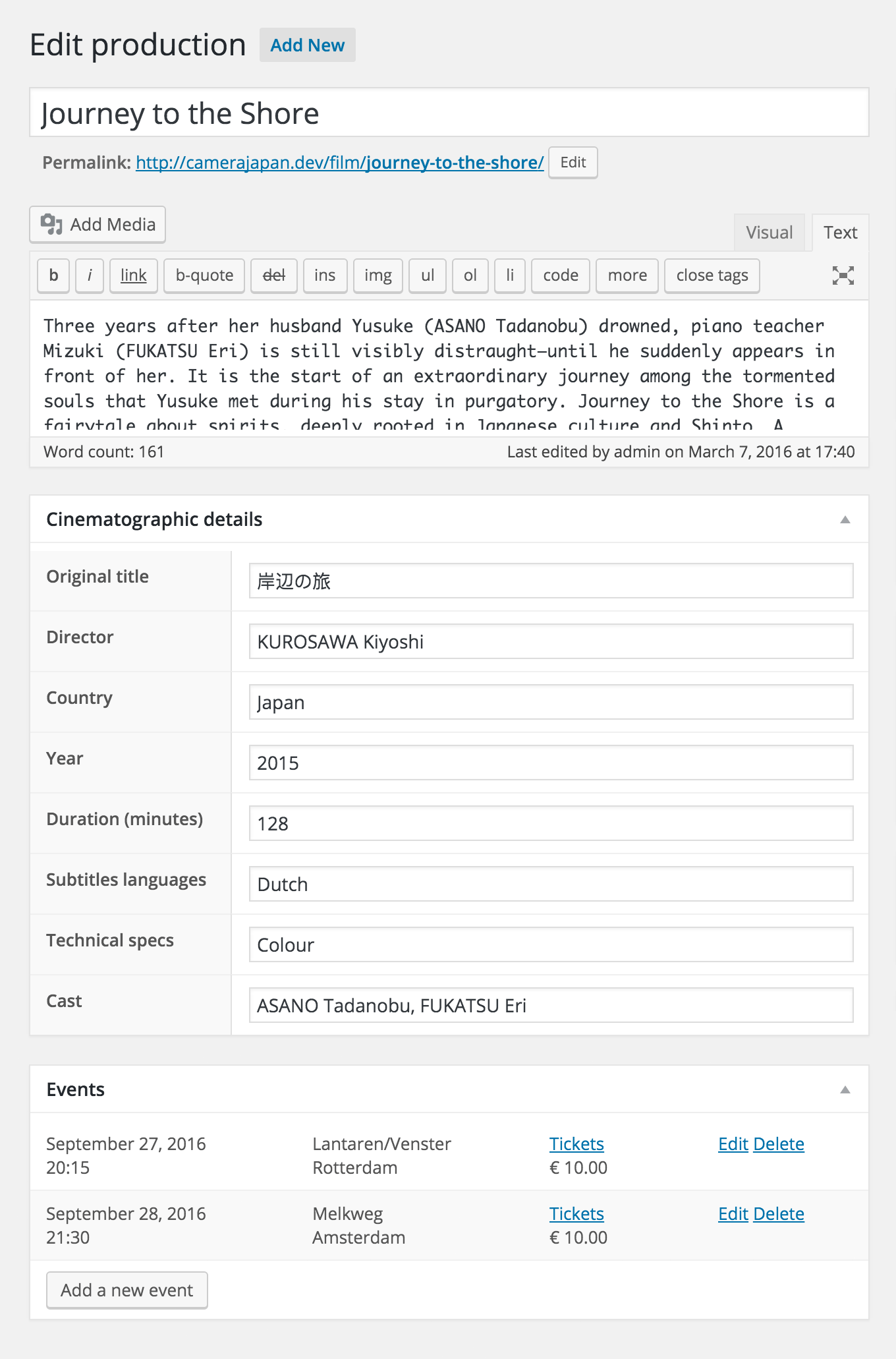
Add details such as Director | Country | Year | Duration to your movies.
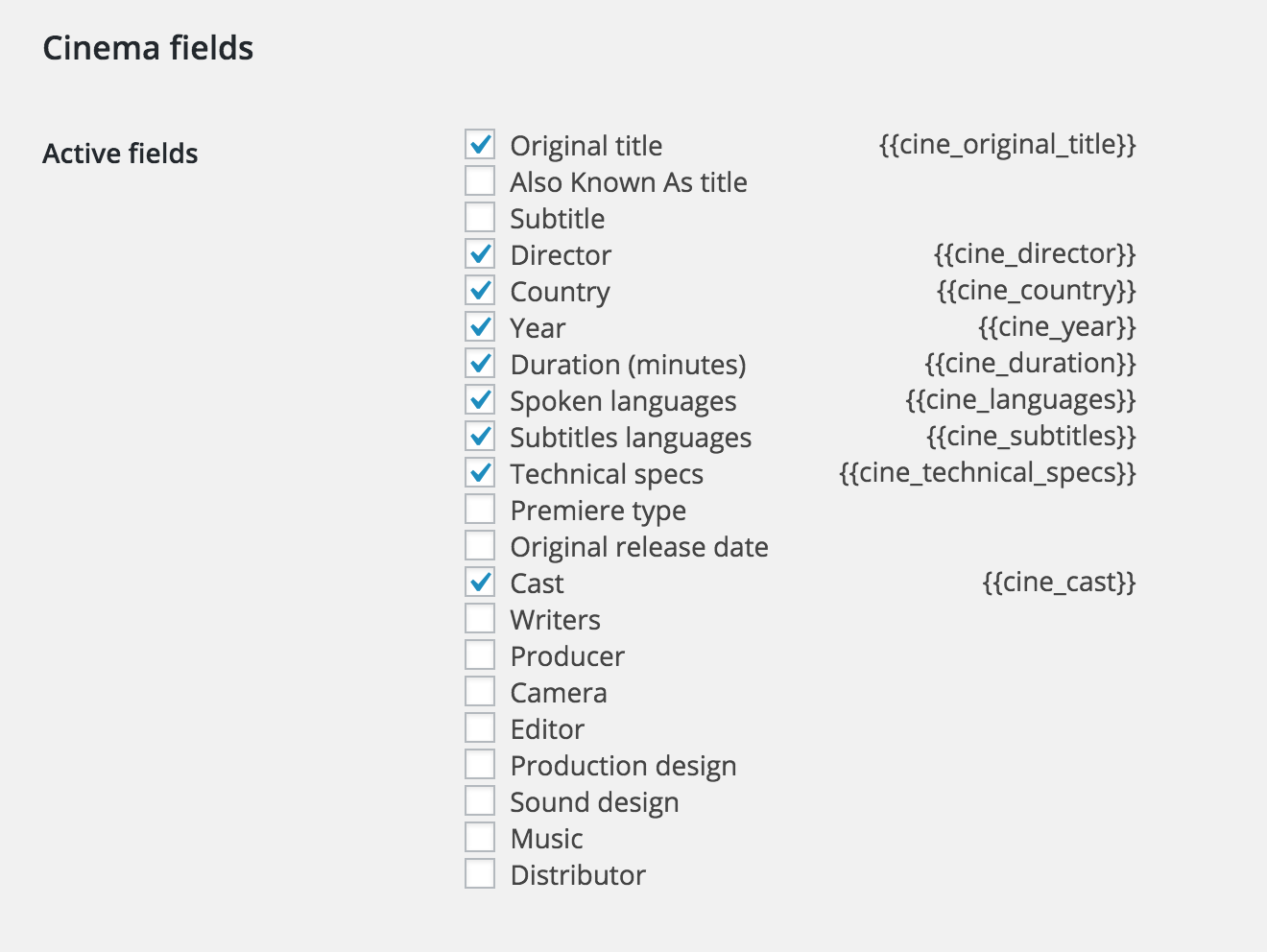
This extension to the Theater for WordPress plugin adds input fields that are essential to cinemas. Simply choose which fields you’d like to use on your website, and where to show them.
Choose which fields you’d like to useEnrich your productions with cinematographic detailsShow the cinema details where you like: In the title, above the content, below the content, or in the sidebar using a widget
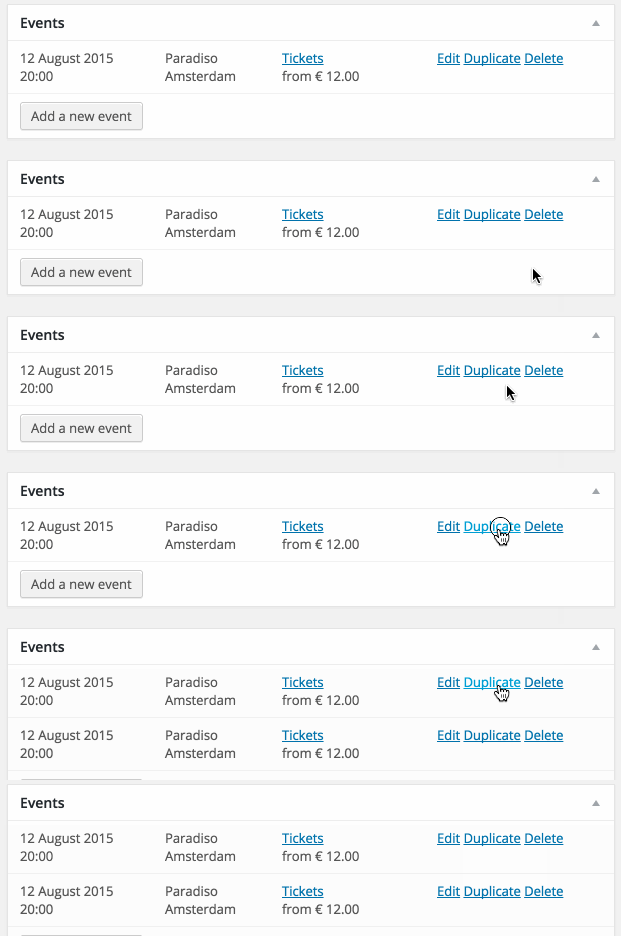
This free extension adds a new action to the event editor that instantly duplicates the event. Very helpful if your need to enter a lot of events at once.
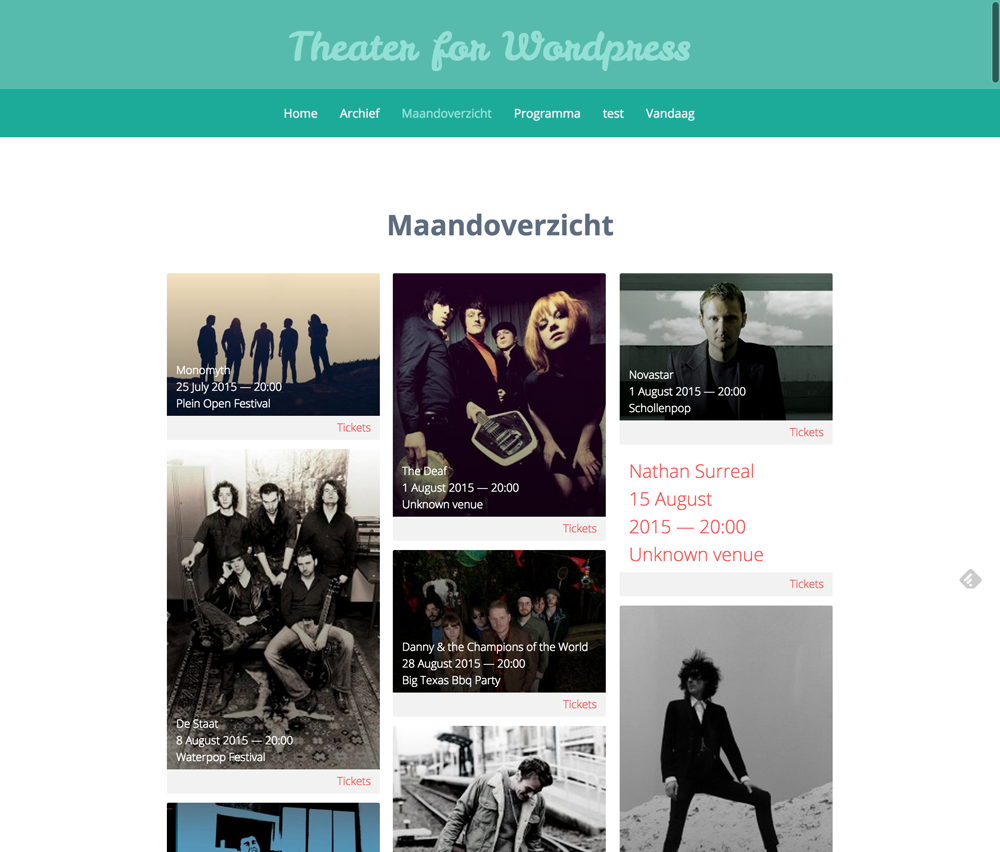
Show your events in a beautiful masonry grid.
Just like Pinterest!
This extension for the Theater for WordPress plugin adds a new [[wpt_events_grid]] shortcode.
Example
FAQ
How can I choose which events are displayed?
You can use the same arguments as with the [[wpt_events]] shortcode to filter the events that are displayed. So to display your next 10 upcoming events: